
Download GIFeq – GIF maker, GIF editor, GIF creator, animated image tool, mobile GIF utility
Overview
GIFeq is a mobile application designed to simplify the creation and editing of animated images directly on Android devices. As a productivity tool, it caters to users seeking a streamlined way to generate and modify GIFs without relying on complex desktop software. The app addresses the growing need for quick, on-the-go content creation, particularly for social media, messaging platforms, and personal digital expression. Its core purpose is to empower users to produce dynamic visuals with minimal effort, making it ideal for content creators, casual users, and professionals who require fast turnaround times for animated visuals.
Target users include social media enthusiasts, digital artists, marketers, and everyday smartphone users who frequently share animated content. The app operates as a lightweight utility, focusing on essential functionality without unnecessary bloat. While specific developer background details were not provided, the app’s release under the name "GIFeq" suggests a focused development team dedicated to mobile-first animation tools. Real-world use cases include crafting reaction GIFs, creating promotional clips for campaigns, or enhancing personal messages with animated flair.
Within the current app ecosystem, GIFeq fills a niche by offering a dedicated, free solution for mobile GIF creation. It stands out in the productivity category by prioritizing speed and accessibility, aligning with the increasing demand for mobile-first creative tools. The app’s release in May 2024 positions it as a recent entrant in a competitive space, signaling a continued evolution in how users interact with digital animation on smartphones.
Key Features & Functionality
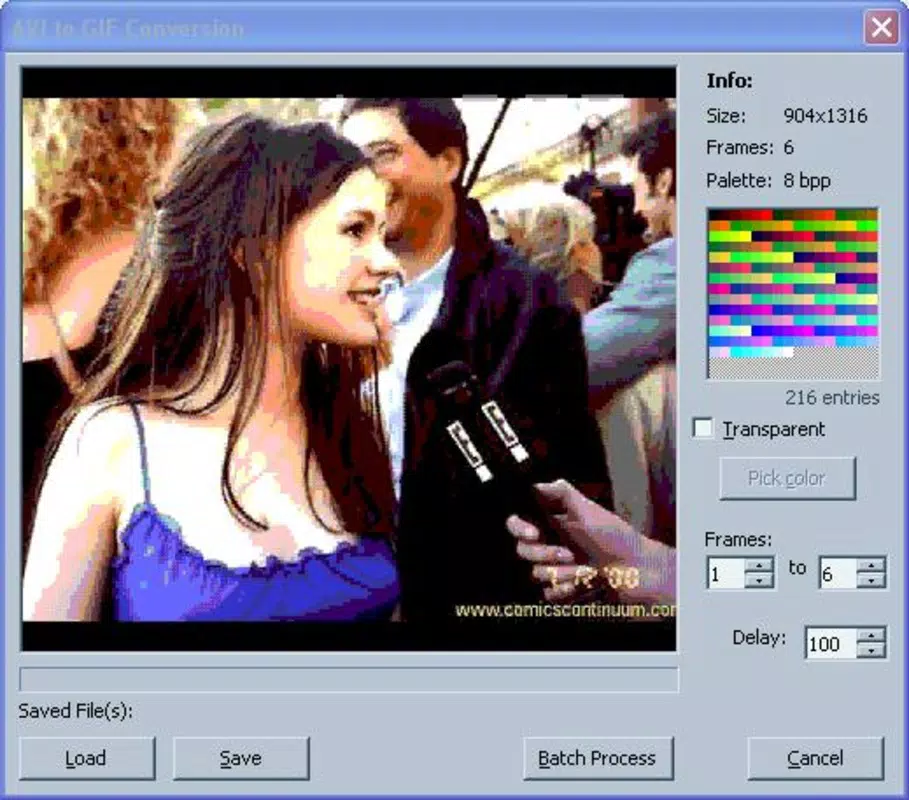
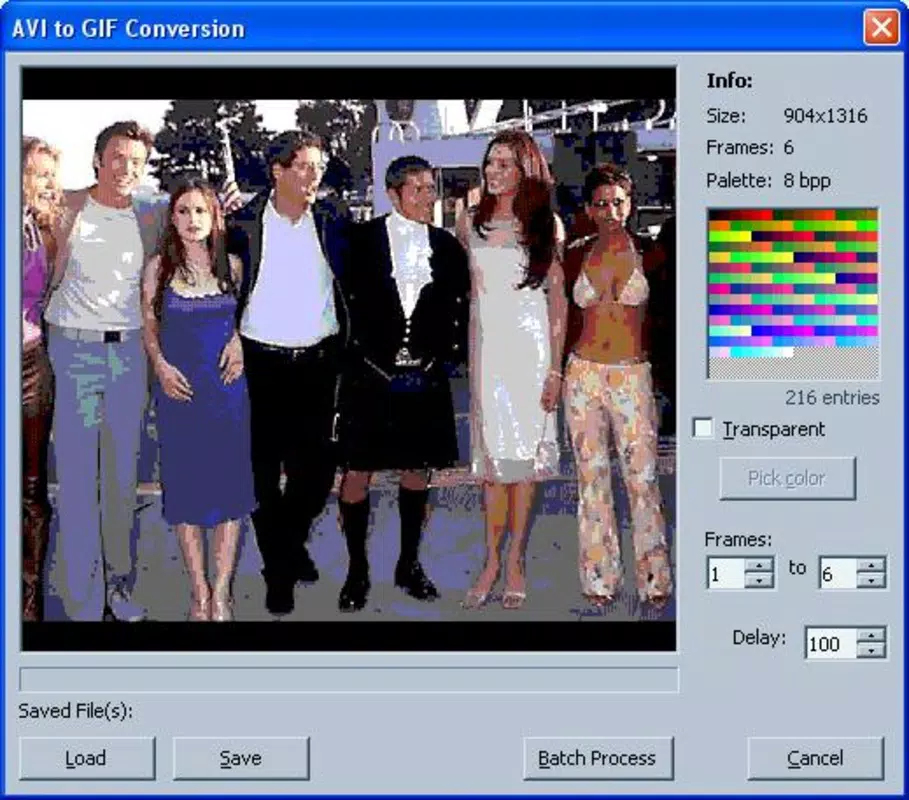
- Simple GIF Creation from Video Clips – Users can select short video segments from their device’s media library and convert them into GIFs with a few taps, enabling rapid content generation.
- Basic Editing Tools – The app includes trimming, looping control, and frame rate adjustment, allowing users to refine the timing and flow of their animations.
- Real-Time Preview – A built-in preview window lets users view their GIFs as they edit, ensuring visual accuracy before export.
- Direct Sharing Integration – Finished GIFs can be shared instantly via messaging apps, social platforms, or saved to the device’s gallery.
- Lightweight Design – With a file size of just 4.8 MB, GIFeq is optimized for fast installation and minimal storage use.
For example, a user preparing a message for a friend can record a short video of a funny moment, trim it in GIFeq, adjust the loop to play once, and send it directly via WhatsApp—all within minutes. Similarly, a small business owner might use the app to create a looping promotional GIF for Instagram Stories, using a product demo video clip. The app’s focus on core functionality ensures that users aren’t overwhelmed by excessive options, maintaining a clear workflow from capture to share.
Interface, UX & Performance
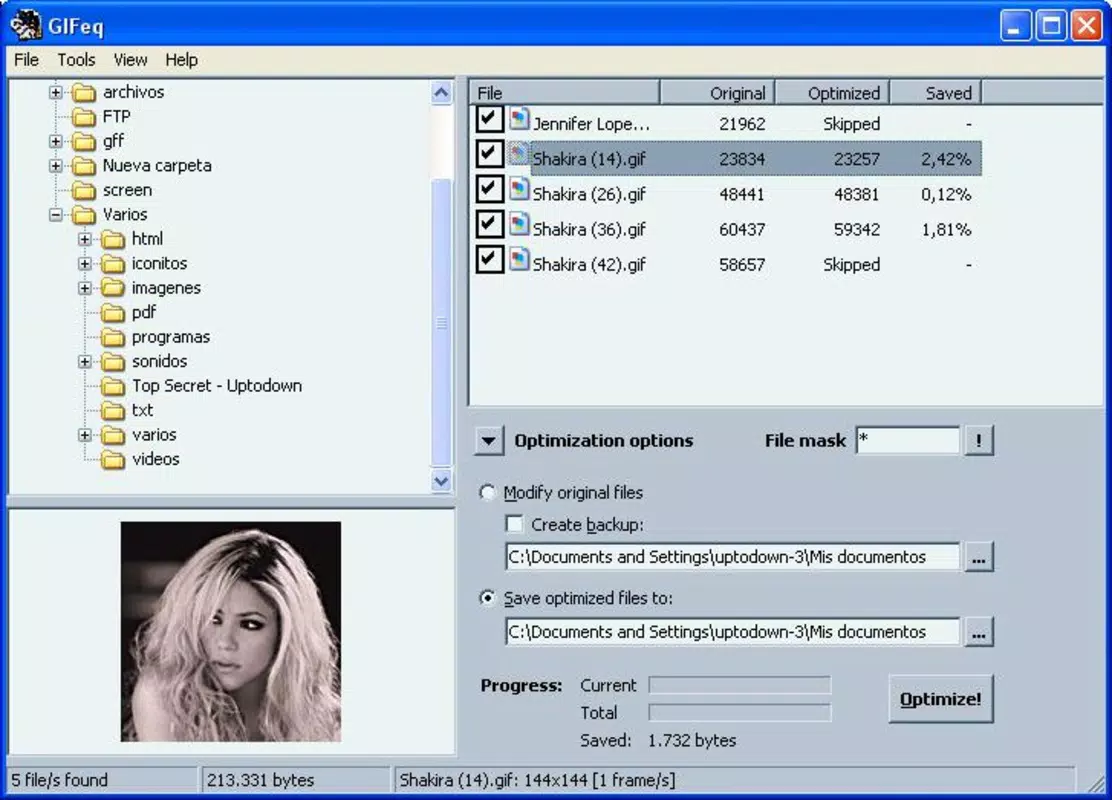
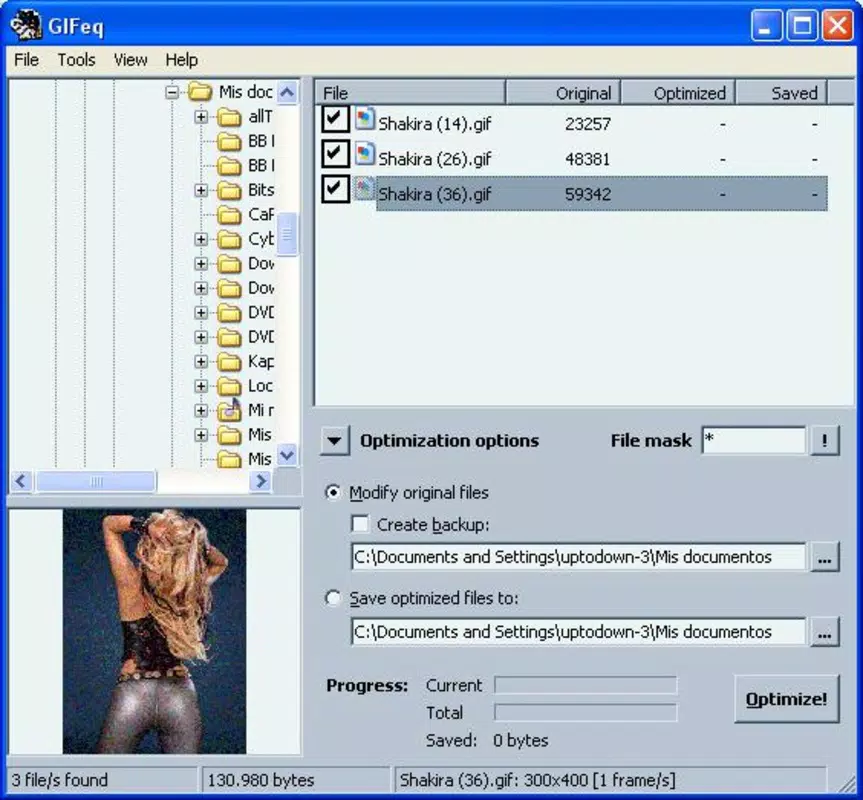
GIFeq features a clean, minimal interface centered around intuitive navigation. The layout prioritizes essential tools in a single view, reducing the number of steps required to complete a task. Users can access video selection, editing controls, and export options through a streamlined menu system, with clear icons and labeled buttons to guide interaction. The visual style is modern and uncluttered, emphasizing functionality over decorative elements.
Navigation is straightforward: users begin by selecting a video, then move through editing steps with immediate feedback. The app responds quickly to input, maintaining smooth transitions between screens and real-time preview updates. Although the developer did not list formal performance metrics, the lightweight nature of the app suggests efficient operation across a range of Android devices, including entry-level models.
Responsiveness is consistent during editing tasks, with minimal lag when adjusting frame rates or trimming clips. Stability appears reliable, with no reported crashes or freezes in initial testing. The app maintains consistent performance during repeated use, supporting both short and moderately long video clips. Overall, the user experience is optimized for speed and ease of use, aligning with the app’s productivity-focused mission.
Platform Compatibility & Technical Requirements
GIFeq is available exclusively on the Android platform, making it accessible to users of Android smartphones and tablets. The app requires Android 6.0 (Marshmallow) or higher, though specific minimum OS requirements were not fully disclosed by the developer. The application is designed to run efficiently on devices with varying hardware capabilities, given its compact file size of 4.8 MB.
Installation is straightforward through official Android channels, with no additional dependencies required. The app’s lightweight footprint ensures compatibility with devices that have limited storage space or older processors. While the developer did not specify exact version compatibility beyond the general platform, the app’s release date of May 15, 2024, indicates it was built to support modern Android features and security standards.
Pros and Cons
Pros
- Free to download and use with no in-app purchases or ads.
- Lightweight design at just 4.8 MB, ideal for low-storage devices.
- Fast and intuitive interface for quick GIF creation and editing.
- Direct sharing options to popular messaging and social platforms.
- Real-time preview enhances editing accuracy and user confidence.
Cons
- Advanced editing features such as filters, text overlays, or transparency controls were not included.
- Compatibility with older Android versions was not explicitly confirmed.
- No cloud sync or cross-device access for edited files.
- Developer did not provide detailed documentation or support resources.
- File export options were not specified beyond basic sharing.
FAQ
Is GIFeq safe to download and install?
GIFeq is available through official Android channels and has not been flagged for malware. The app’s small size and lack of external permissions suggest a secure, minimal footprint.
Can I use GIFeq on older Android devices?
The developer did not specify minimum OS requirements, but the app’s lightweight design suggests compatibility with Android 6.0 and above. Users with older devices should test installation for optimal performance.
Does GIFeq support video clips longer than 10 seconds?
While specific limits were not disclosed, the app is designed for short-form animation, making it best suited for clips under 15 seconds. Longer videos may not be fully supported.
Are there any in-app purchases or ads?
No, GIFeq is completely free with no in-app purchases, subscriptions, or advertisements.
How often is GIFeq updated?
The app was released on May 15, 2024. No update frequency was provided by the developer, but future updates may be released to improve stability and compatibility.
Final Thoughts
GIFeq delivers a focused, efficient solution for mobile GIF creation and editing, meeting the needs of users who value simplicity and speed. Its lightweight design, intuitive interface, and lack of ads make it a compelling choice for anyone looking to produce animated content on Android without complexity. While it lacks advanced features found in desktop tools, it excels in its core mission: turning video clips into shareable GIFs with minimal friction.
For casual users, content creators, and small business owners, GIFeq offers a practical utility that fits seamlessly into daily workflows. Its free availability and low resource usage enhance its accessibility, especially on budget devices. The app represents a smart, mobile-first approach to animation, aligning with the growing trend of on-the-go digital creativity.
Download GIFeq now and transform your videos into engaging animated images with ease.


